
Please go to your profile page; there you will find various tabs such as HOME, etc.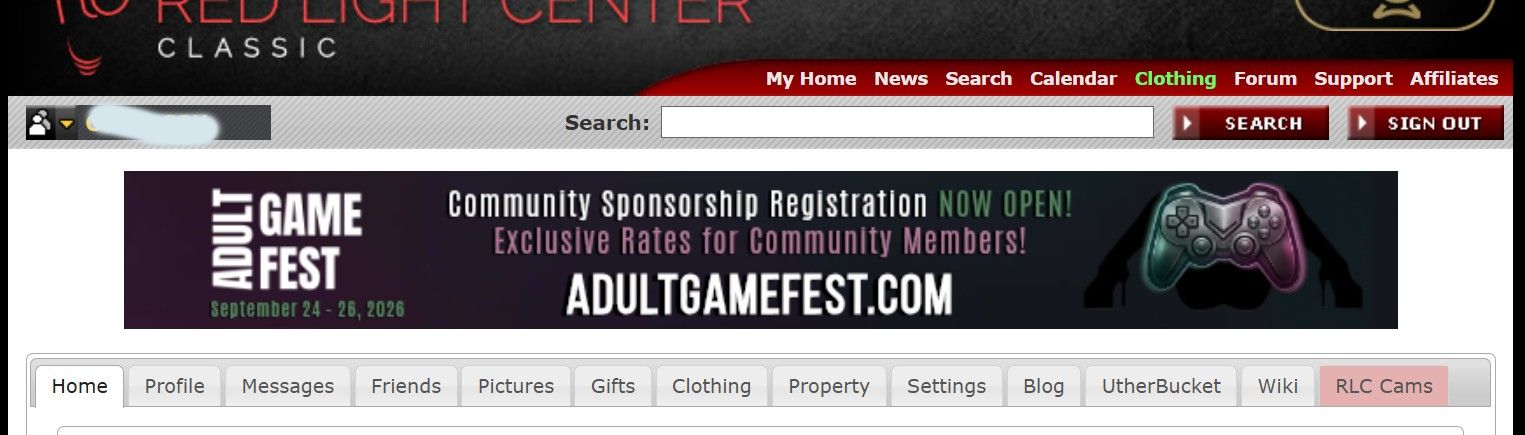
Now switch to the PROFILE tab.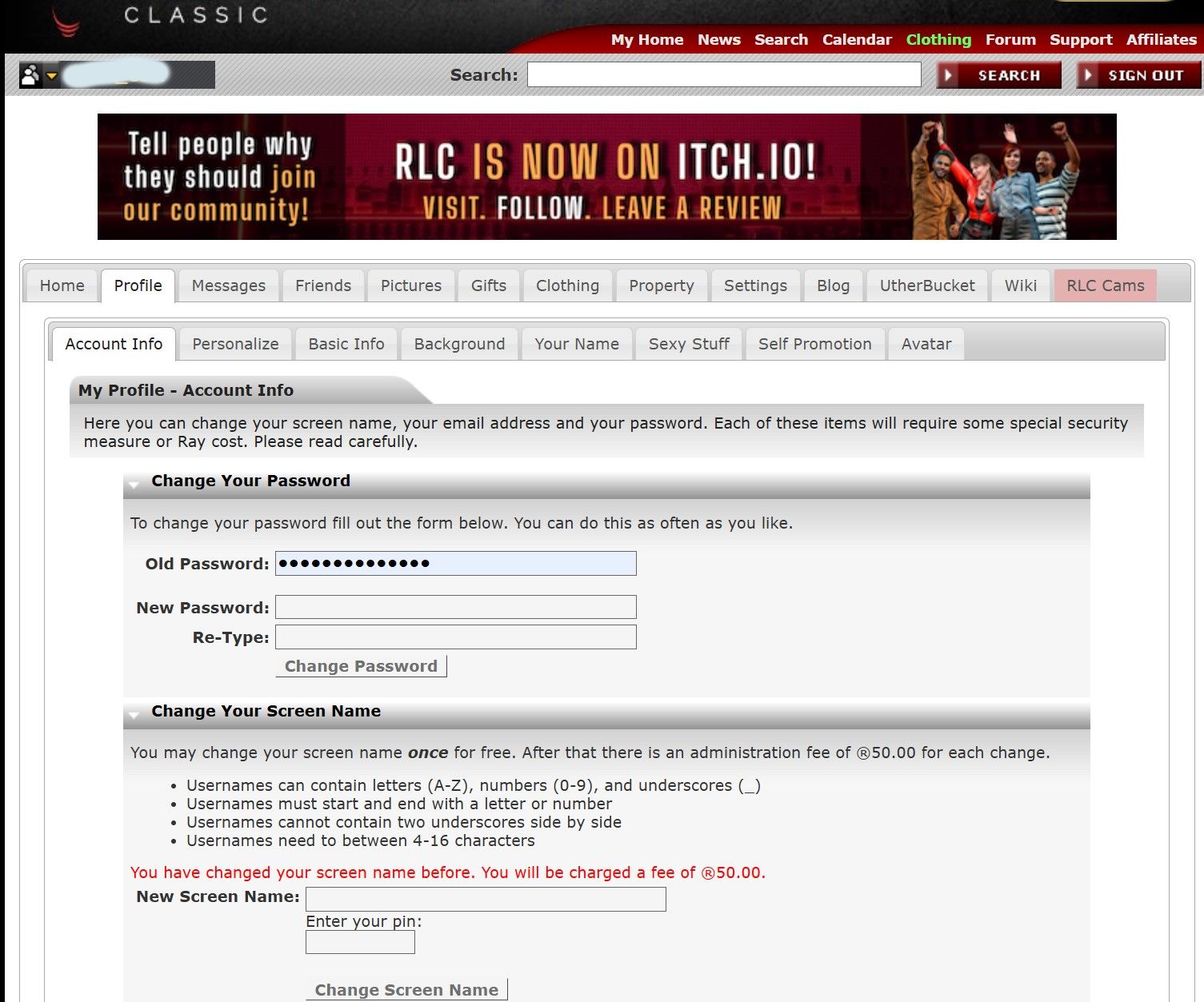
Here you will find the option "Change your screen name". 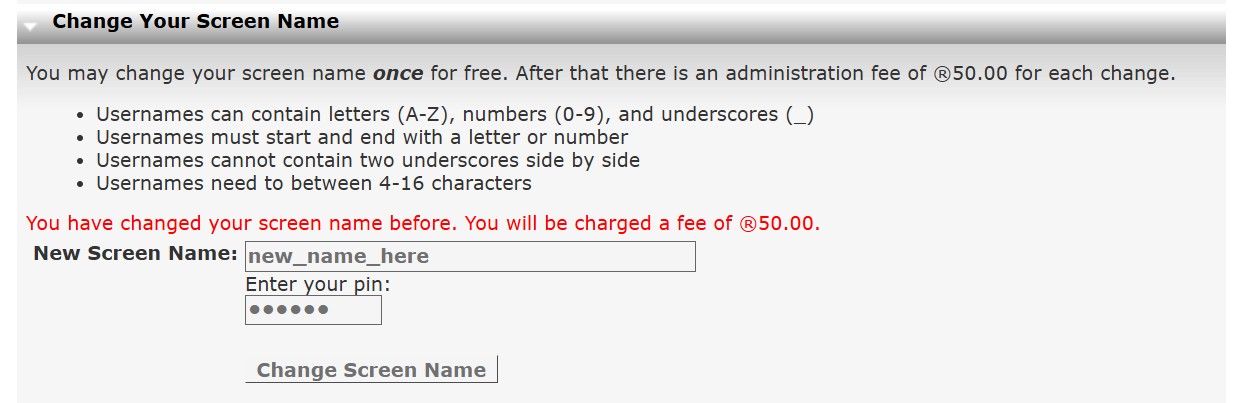
Now, as shown in the example "new_name_here", enter your new full name. Then enter your PIN and click "Change Screen Name".
Afterwards, you must completely restart the RLC program.